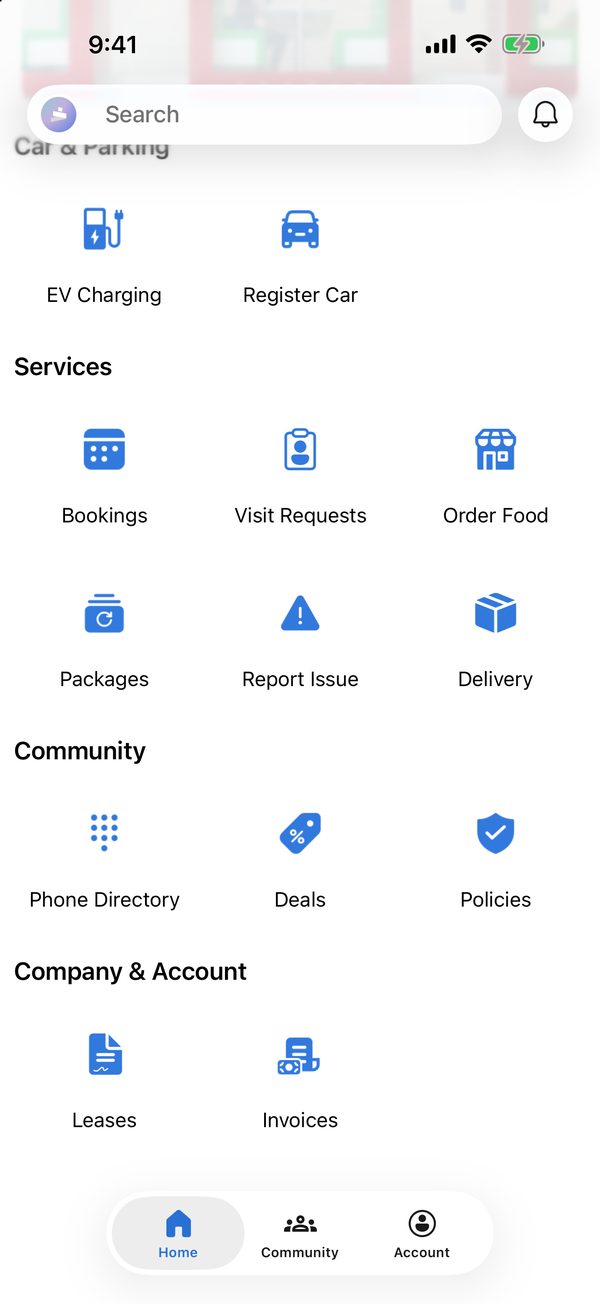
Every service on one screen
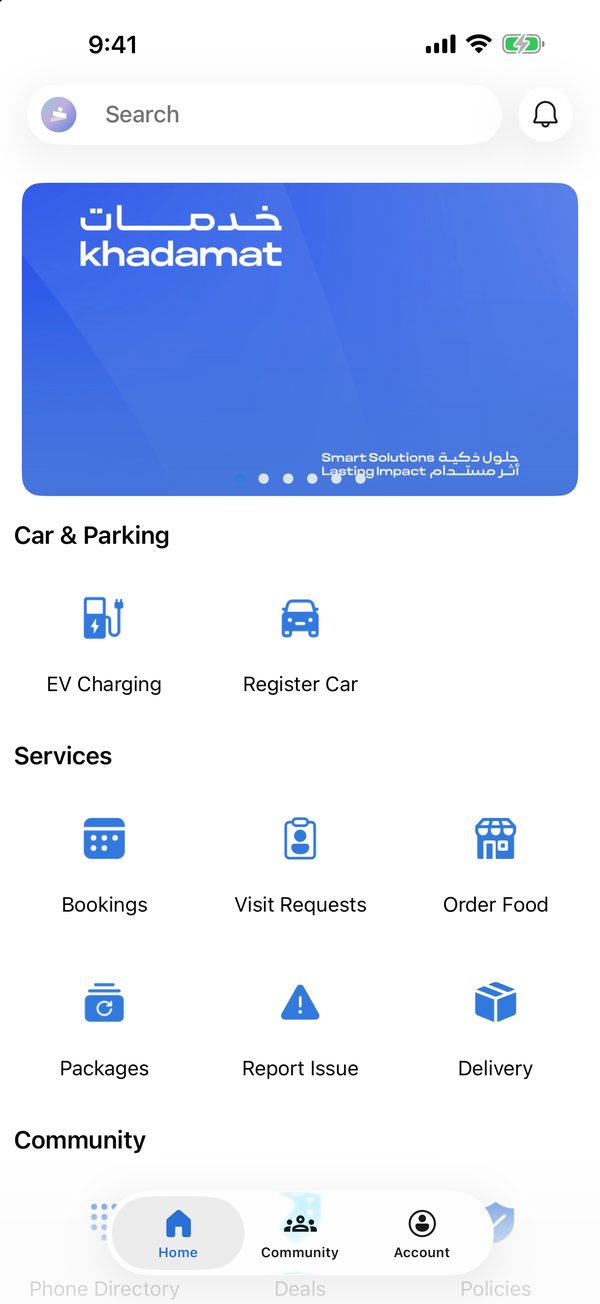
Services are grouped on the home screen, under highlight banners and search.
 The Hub App
The Hub App by khadamat
Book spaces, welcome guests, report issues, order food and join the community, all from your phone.
iOS & Android · English & Arabic
Features
Everything a member needs day to day, set up and kept up to date by the operations team.
Services are grouped on the home screen, under highlight banners and search.
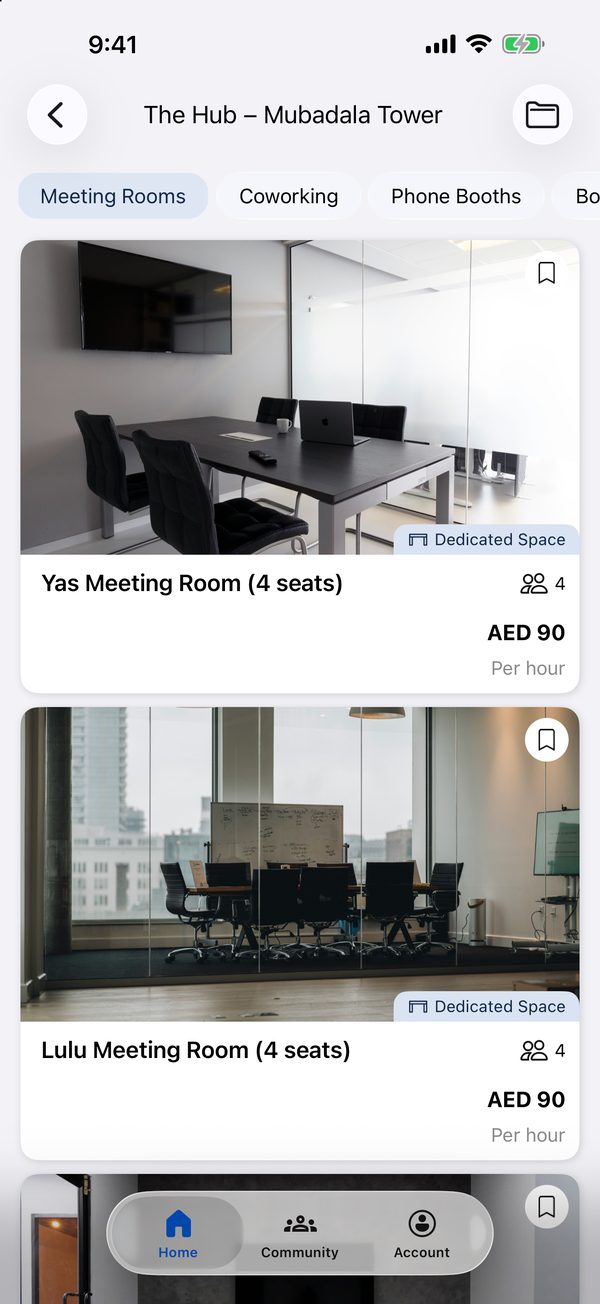
Meeting rooms, coworking desks, phone booths and boardrooms, booked by the hour or the day.
See the journey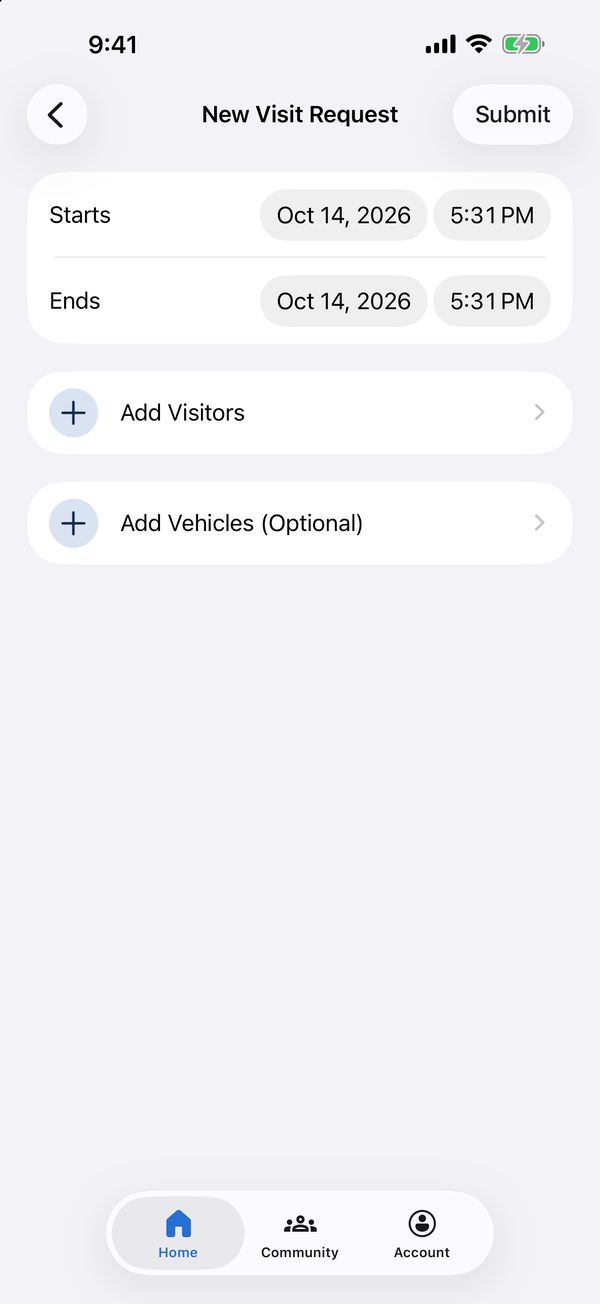
Members register guests ahead of time, and visitors get their visit code by email.
See the journey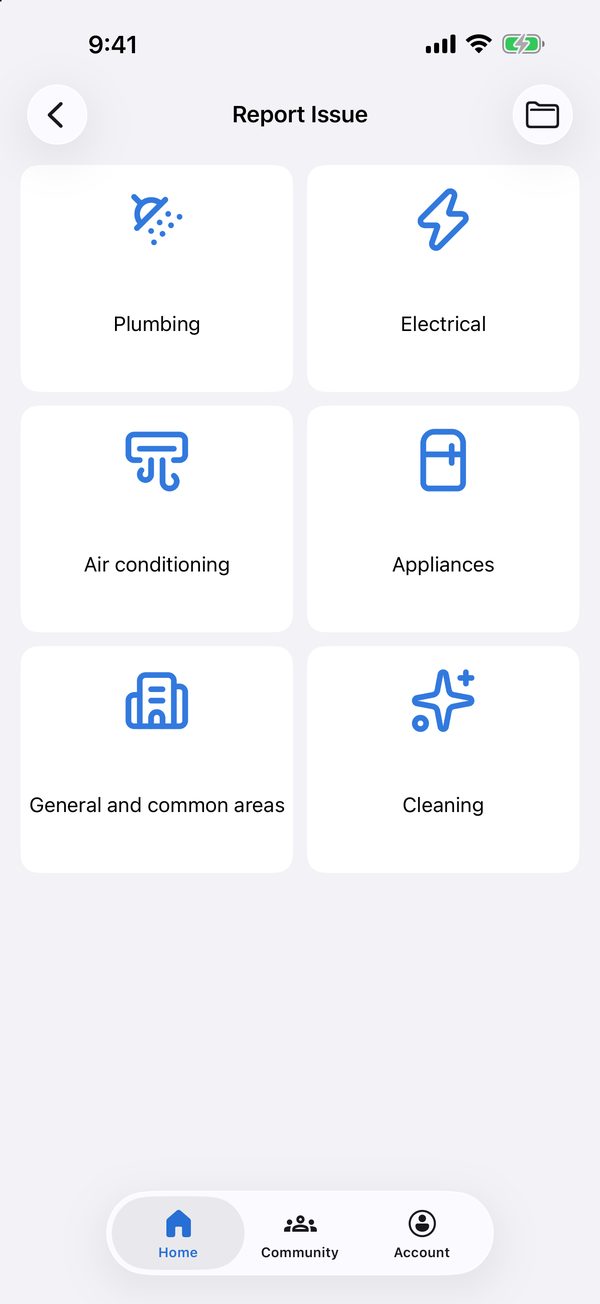
Report an issue by category, with photos or video and a preferred visit time.
See the journey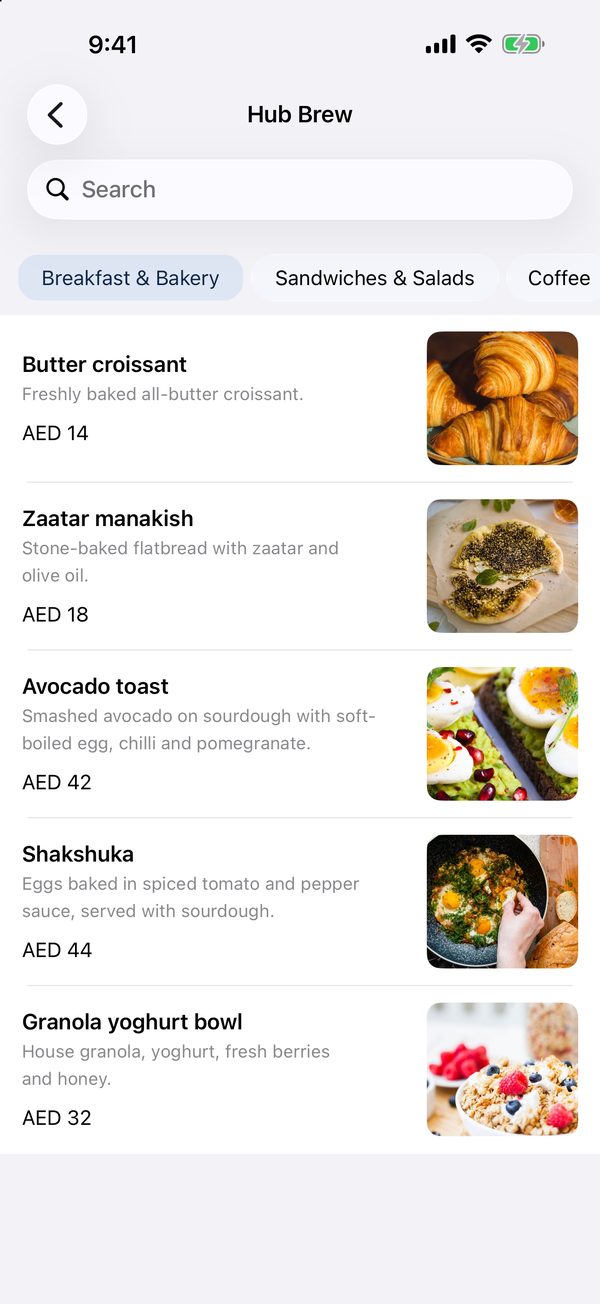
Outlet menus with photos and extras, ordered for delivery or pick-up.
See the journey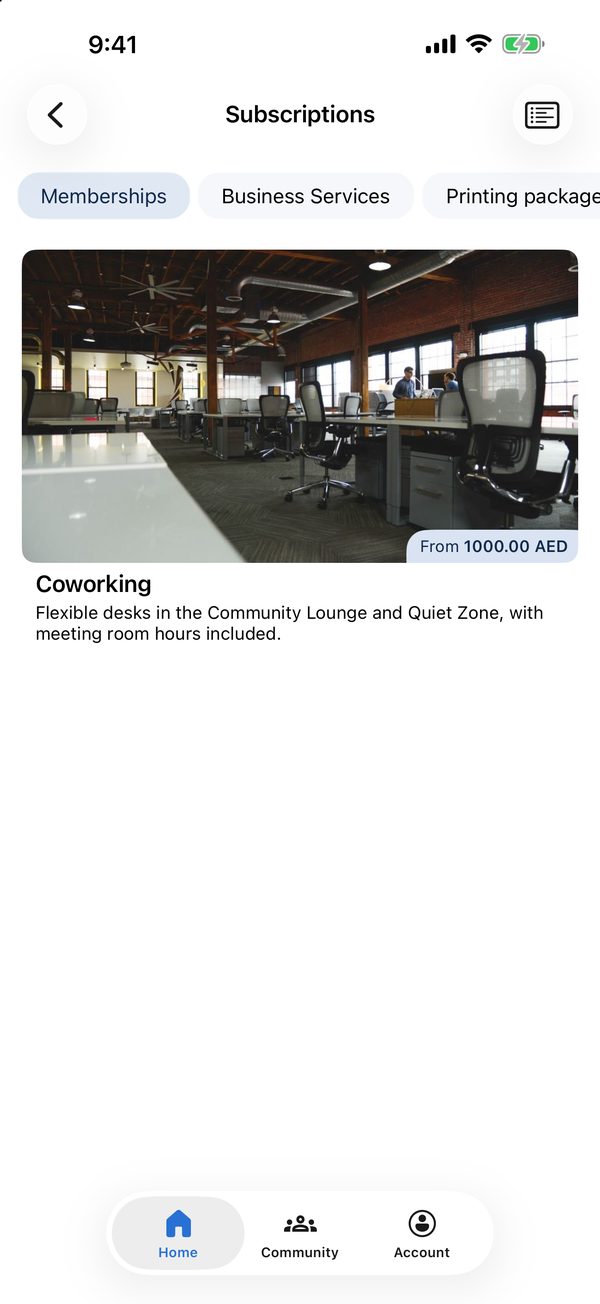
Memberships, business services and printing packages, bought in the app.
See the journey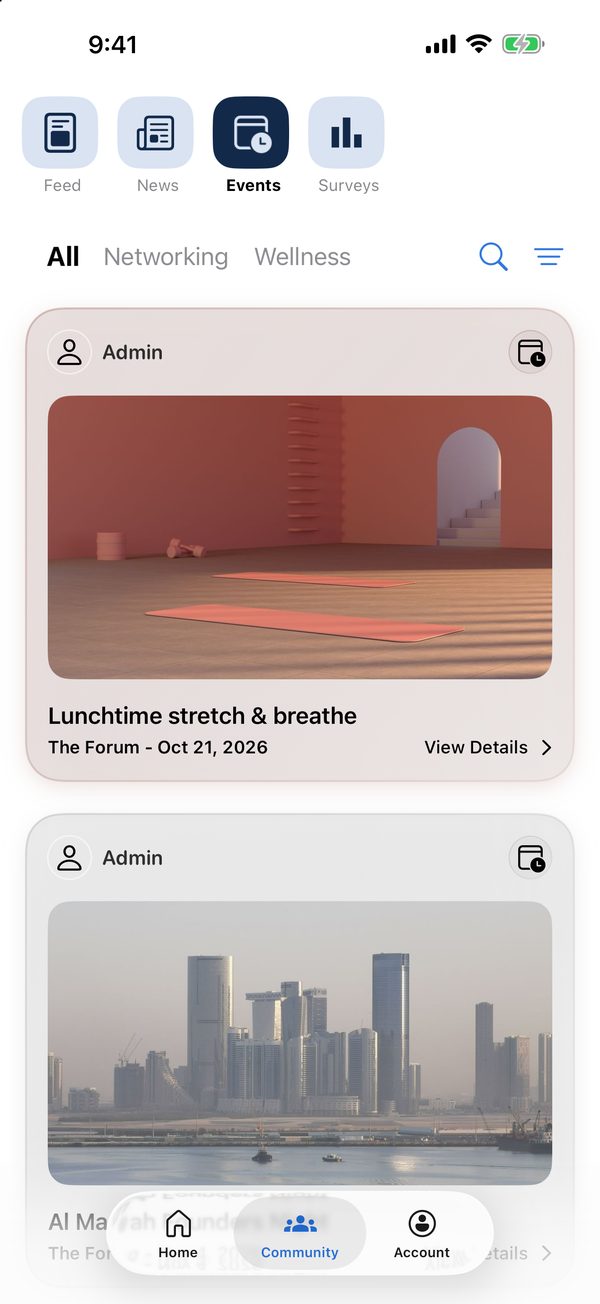
Events by category with RSVP, plus a community feed, news and surveys.
See the journey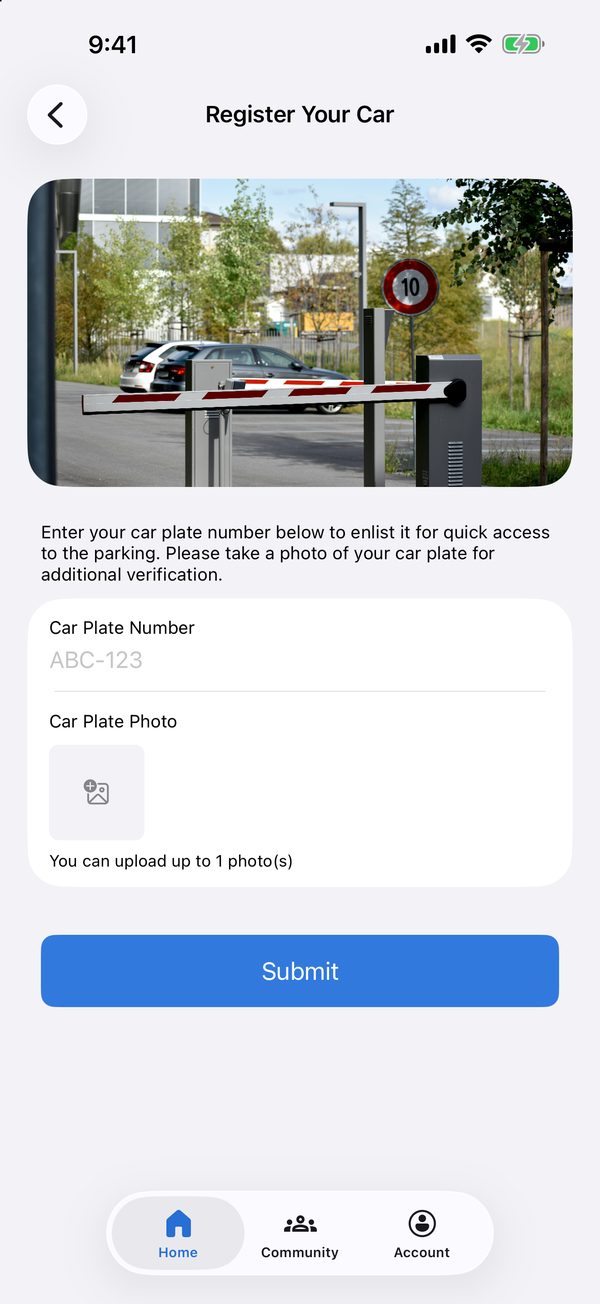
Register a car plate for parking access, with a photo for verification.
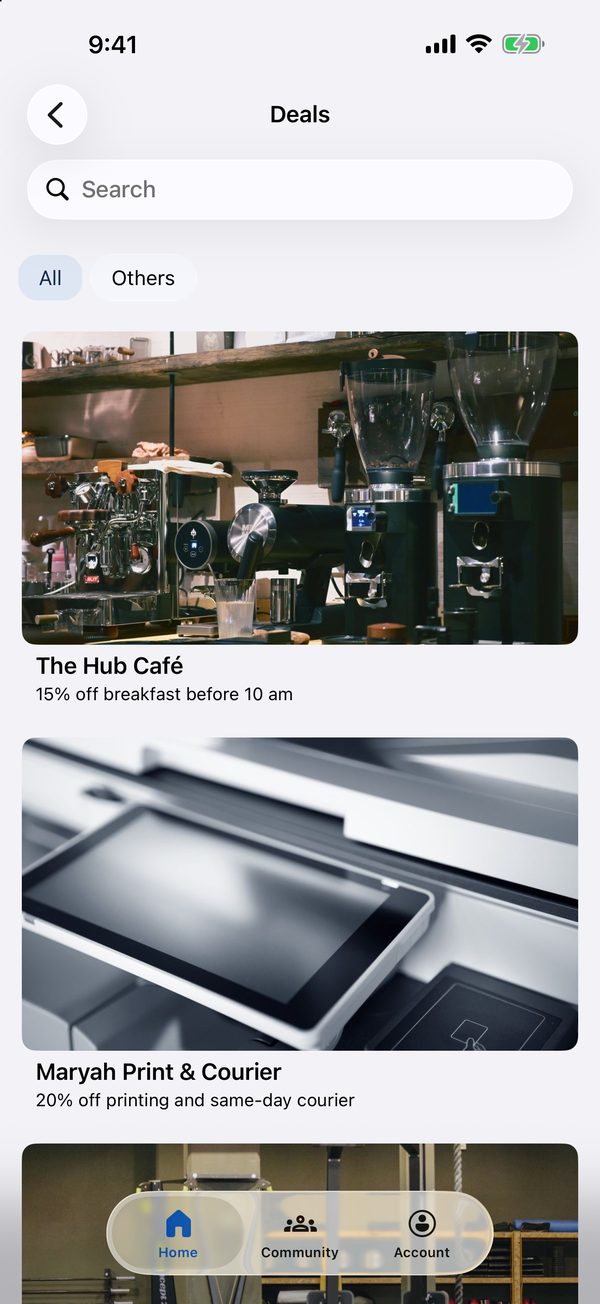
Offers from the café and partner businesses, in one list.
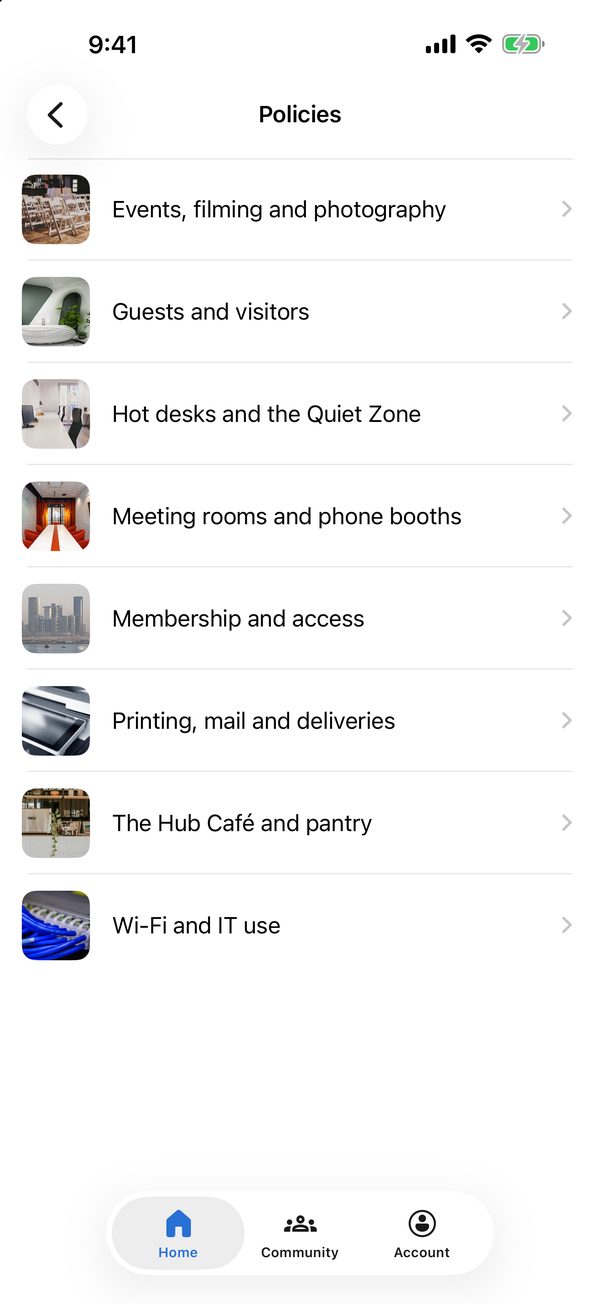
The building's policies by topic, always at hand.
Journeys
How members get things done, screen by screen.
From the list of spaces to a confirmed time slot.
Browse spaces by type
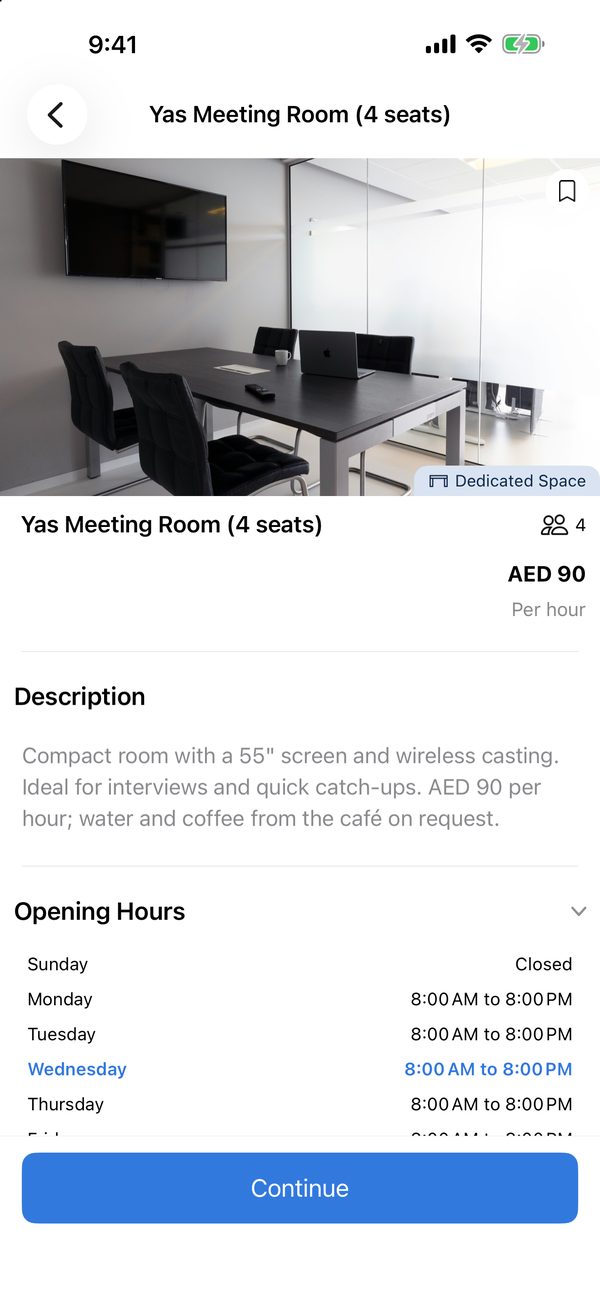
Check photos, capacity and opening hours
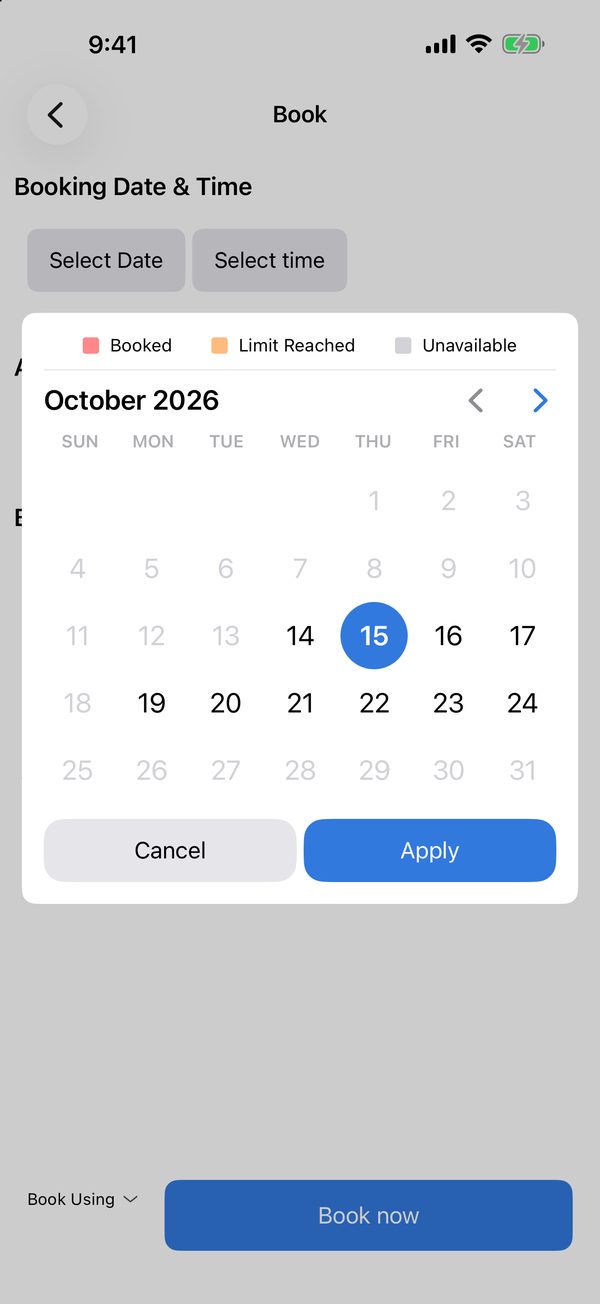
Pick a day; booked and unavailable days are marked
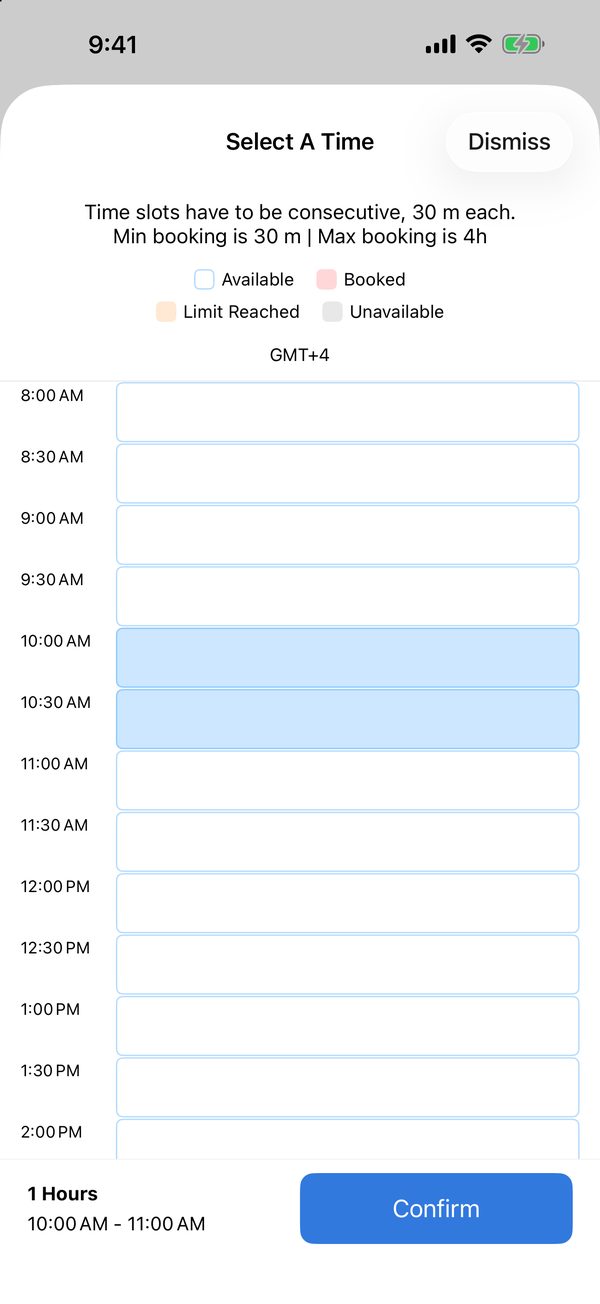
Choose one or more consecutive slots
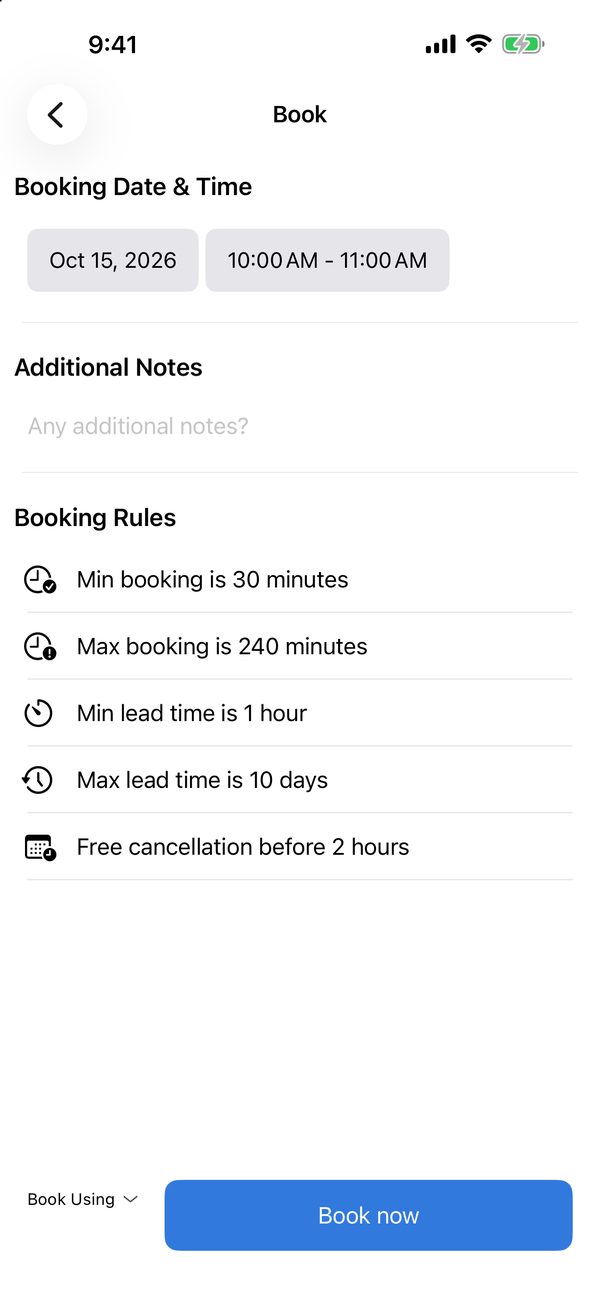
Review the booking rules, then book
Tell reception who is coming, and when.
Start a new visit request
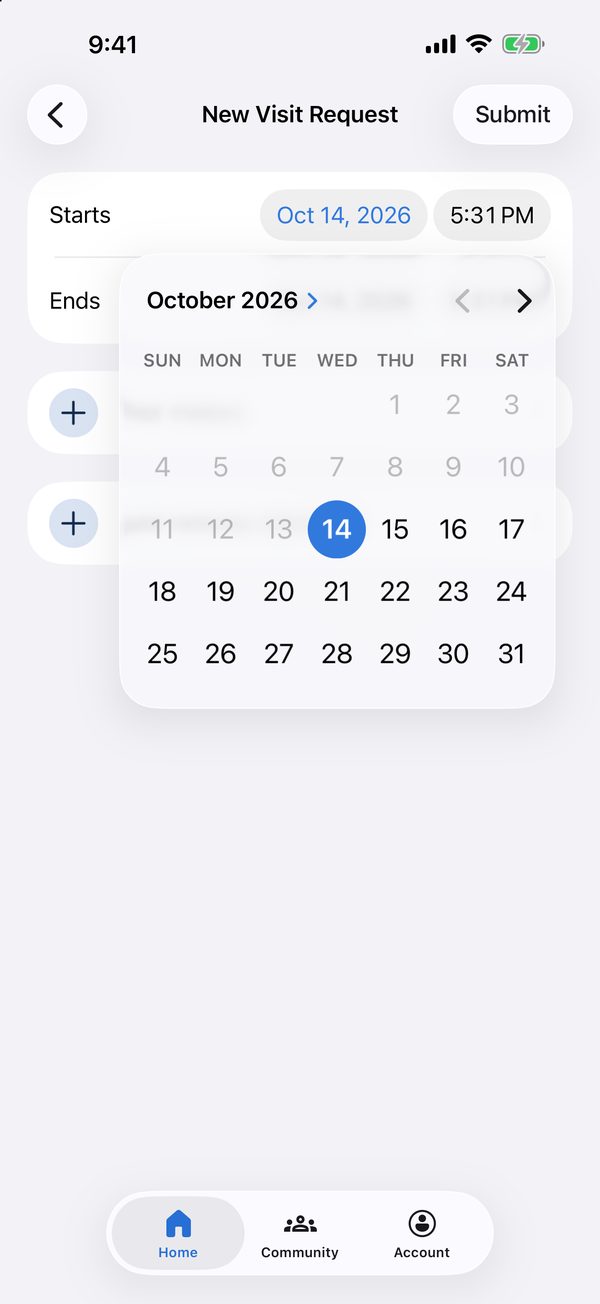
Set when the visit starts and ends
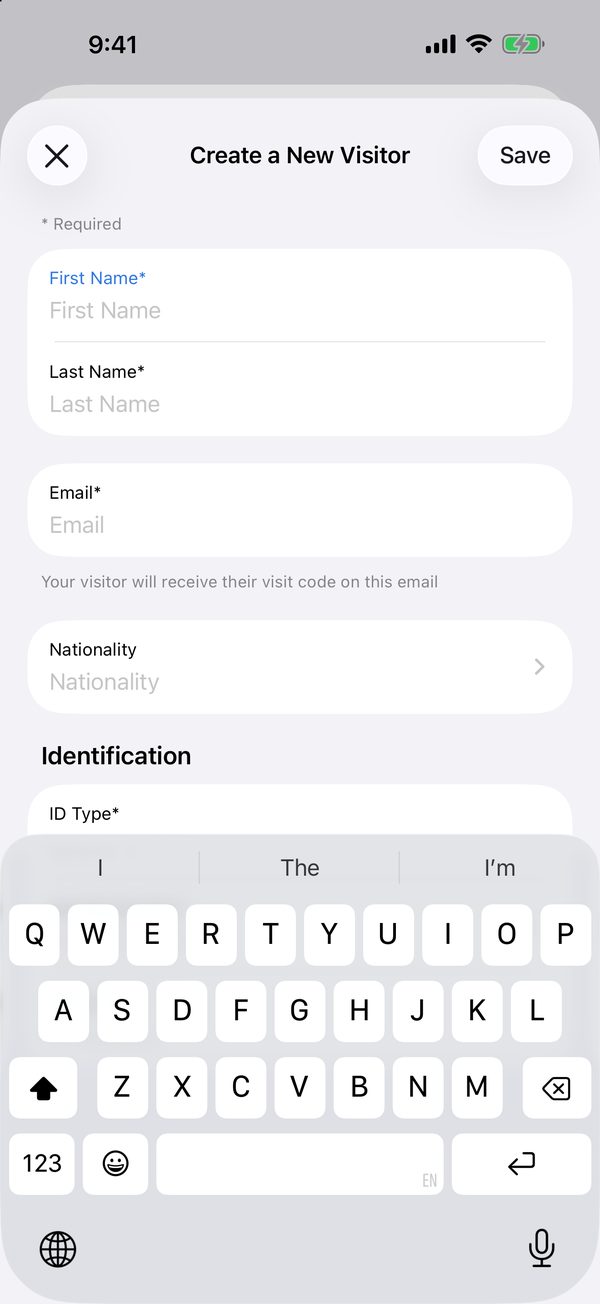
Add the visitor; their visit code is sent by email
Send a maintenance request with everything the technician needs.
Choose a category
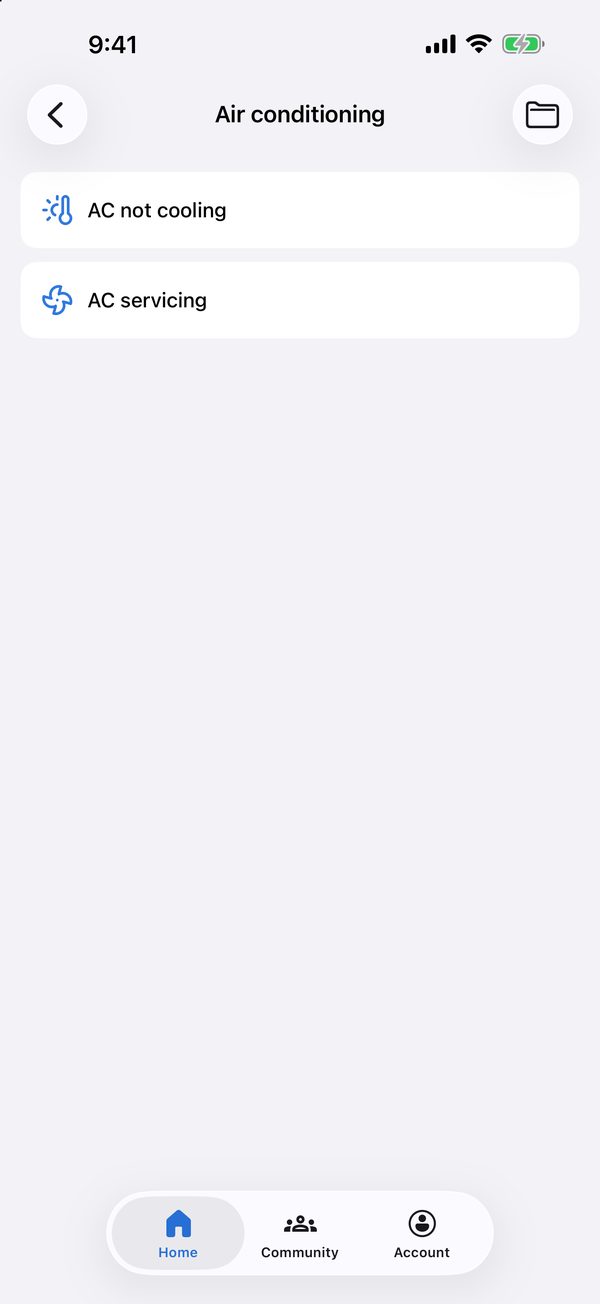
Pick the issue
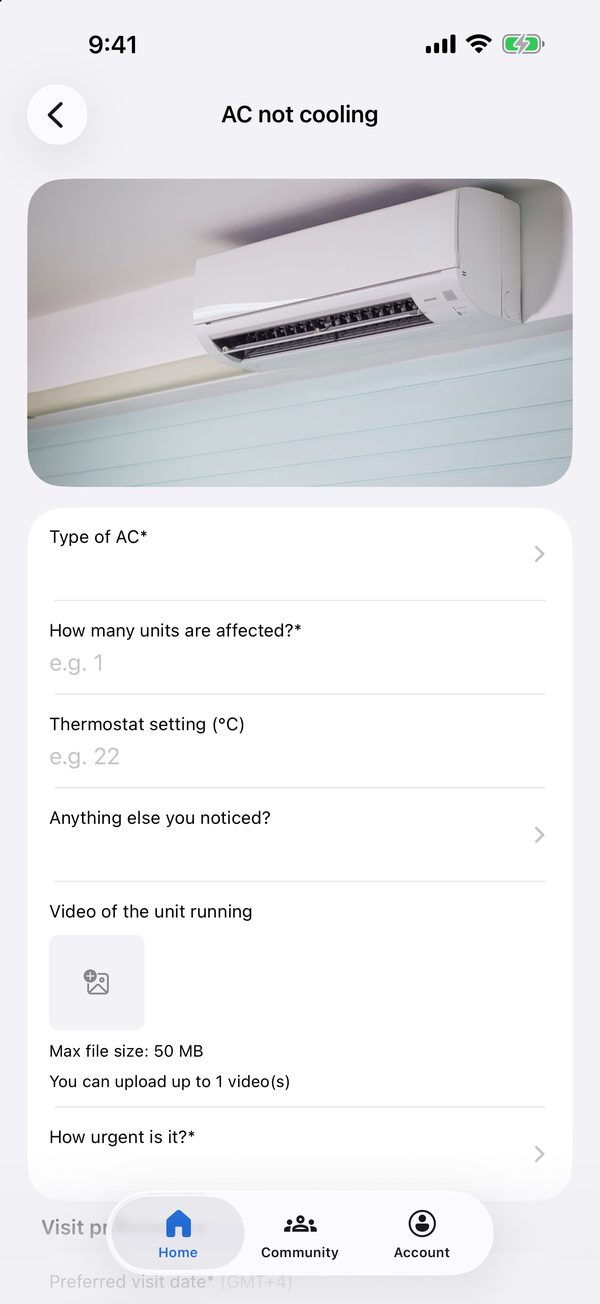
Answer a few questions and add a photo or video
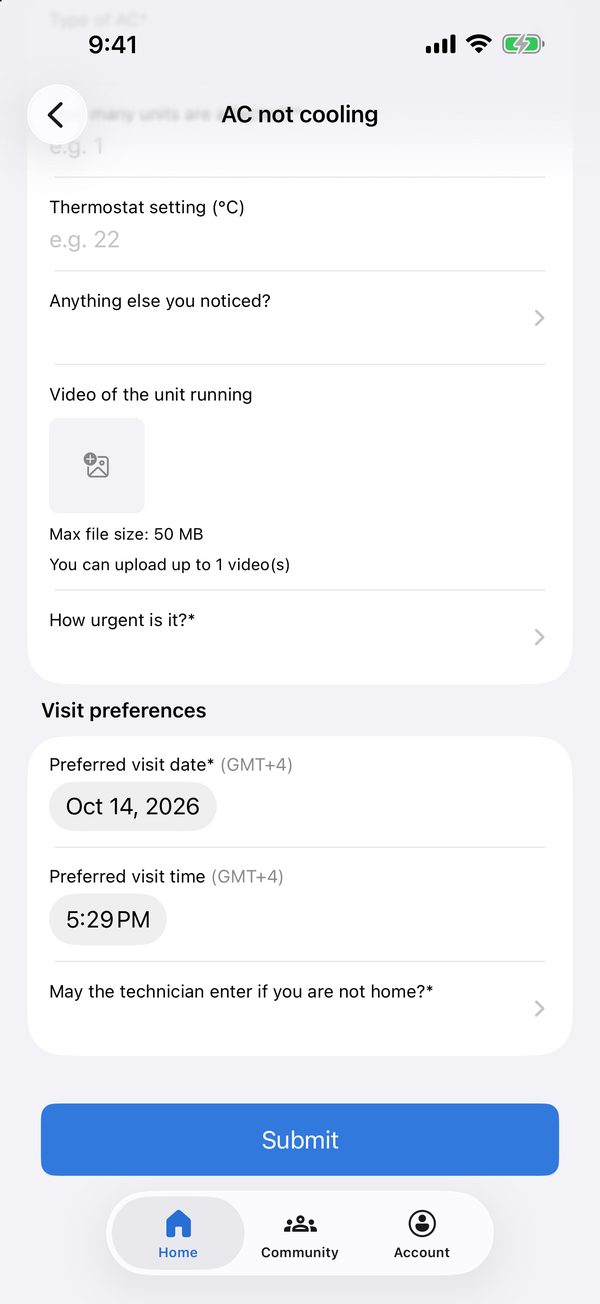
Choose a visit time and whether the technician can enter
Order from an outlet without leaving your desk.
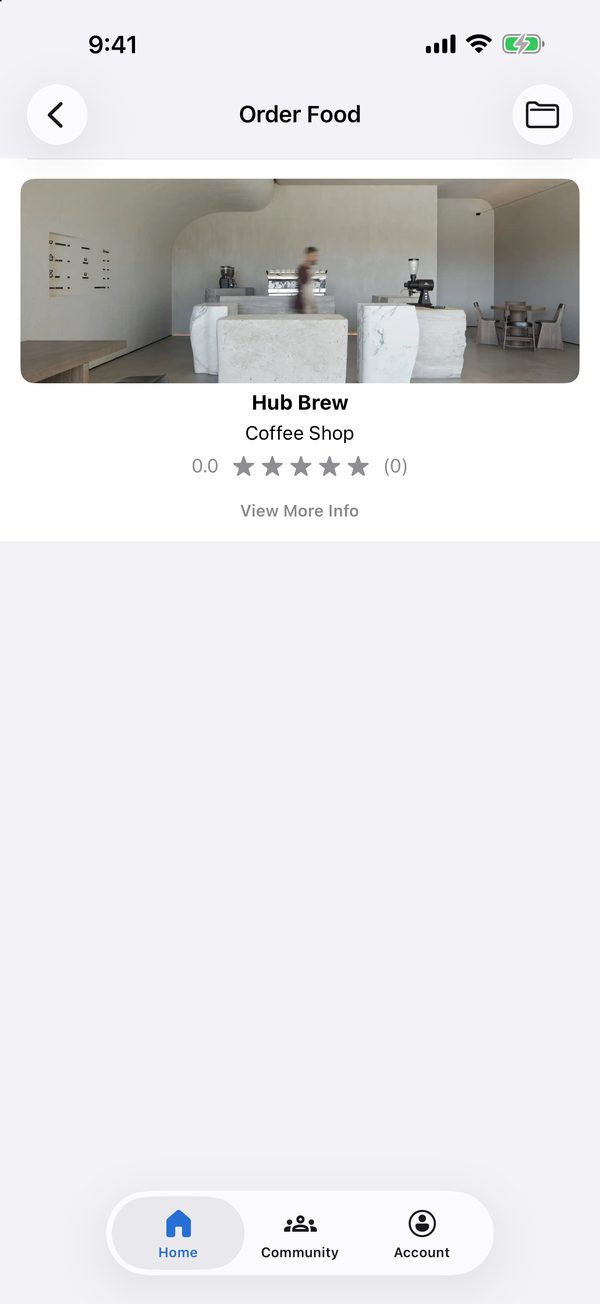
Choose an outlet
Browse the menu by category
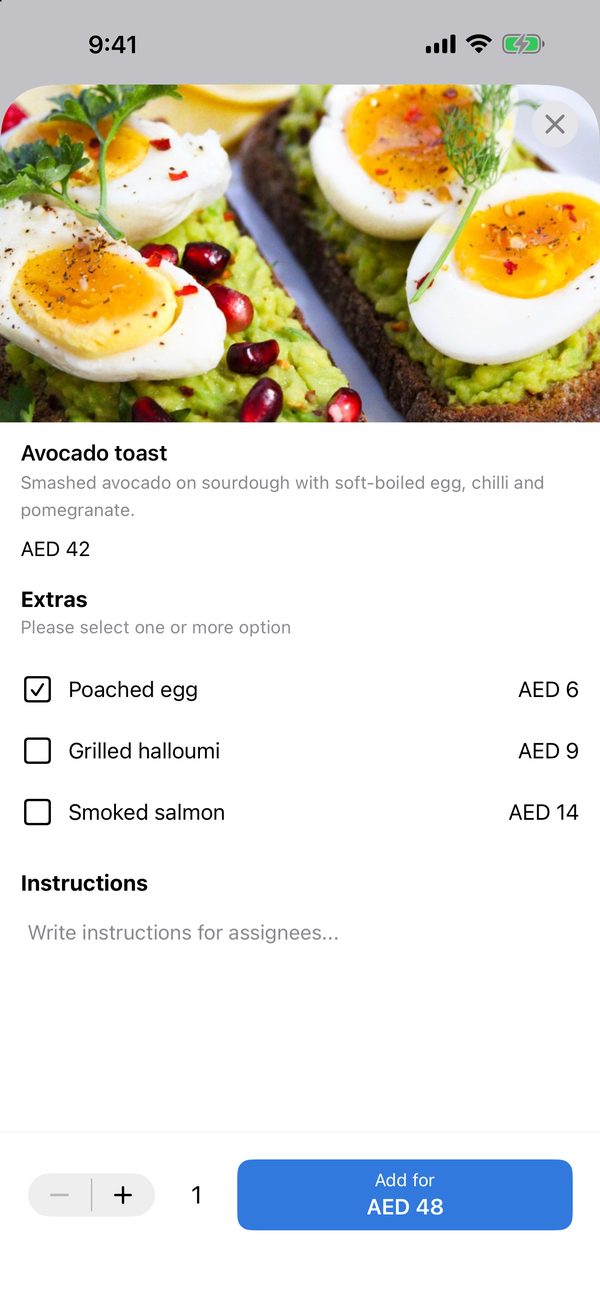
Add extras and instructions
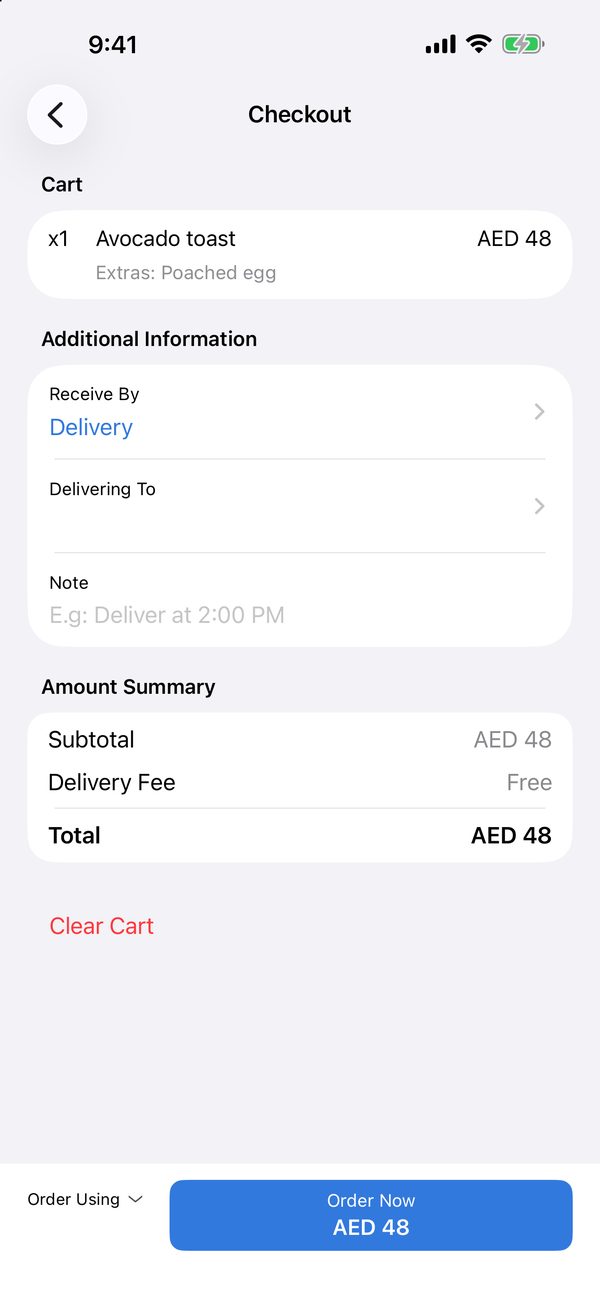
Choose delivery or pick-up and place the order
Compare packages and subscribe in a few taps.
Browse memberships, services and printing
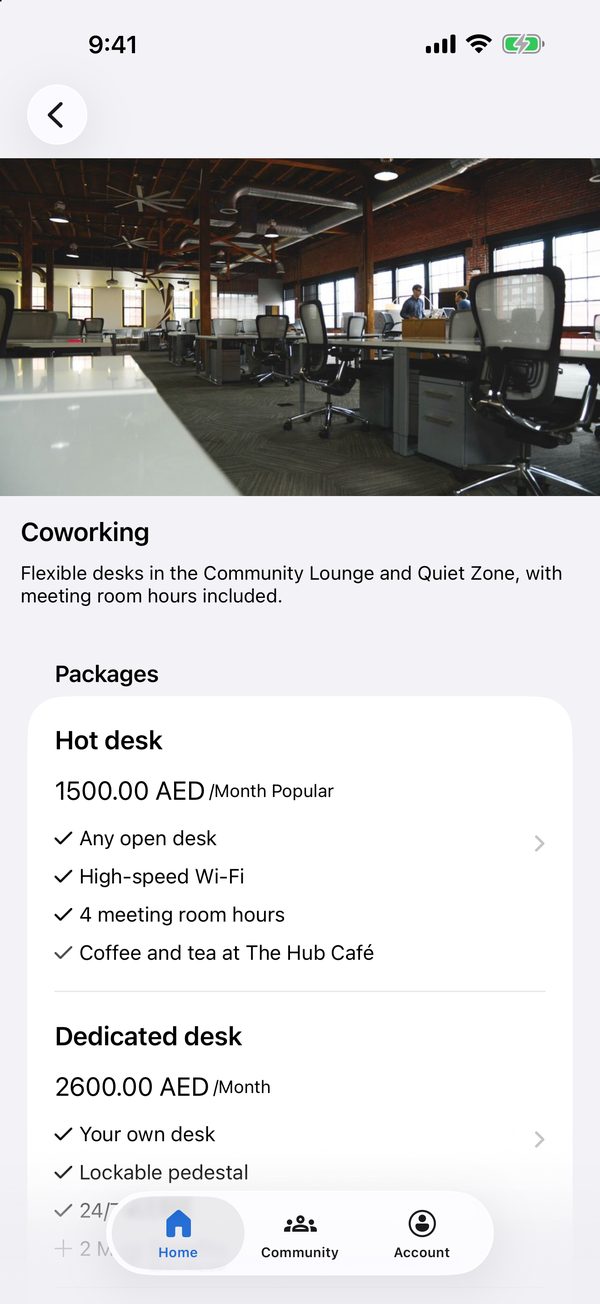
Compare the packages and what each includes
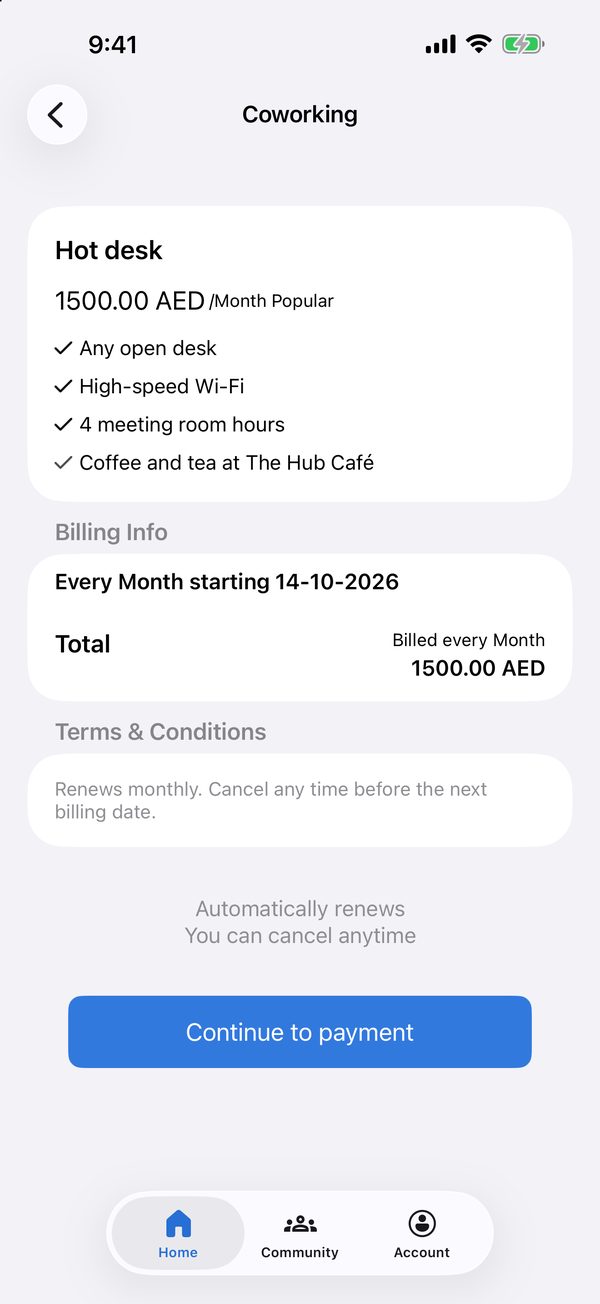
Check billing and terms, then continue to payment
Find what's on and save your place.
Browse events by category
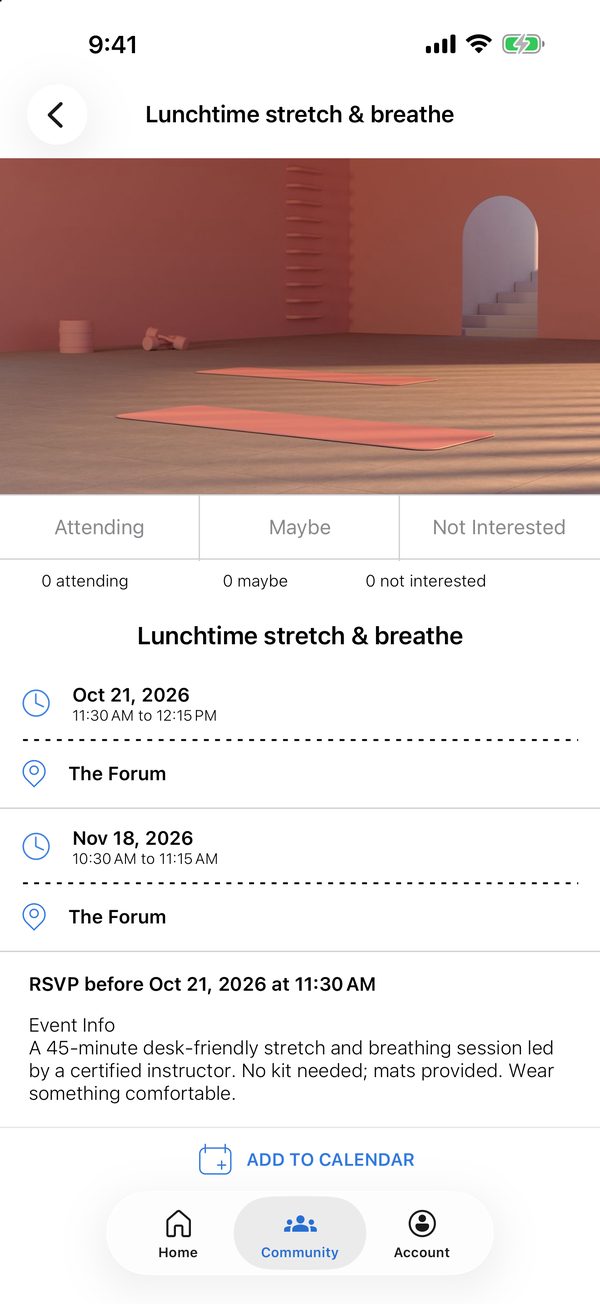
RSVP and add the event to your calendar

Spaces, menus, packages, events and policies are all set up and updated by the operations team, and members see changes straight away.